A tenant is a namespace. It owns clients, resources, scopes, permissions and roles, and keeps them isolated from every other tenant. It also carries one setting you cannot change later: the security profile. For the conceptual picture, see Entities.
| Field | Meaning |
|---|---|
| Tenant ID | Lowercase letters, numbers and hyphens, starting with a letter. Immutable. |
| Description | A free-text label shown in the admin console. If empty, the console shows the tenant ID. |
| Security profile | FAPI 2.0 (recommended) or Standard. Chosen when the tenant is created and fixed afterwards. Default: FAPI 2.0 (recommended) (fapi2). |
| Edge (Optional) | An edge deployment ID, or None (Central only). When set, the tenant is assigned to that edge. |
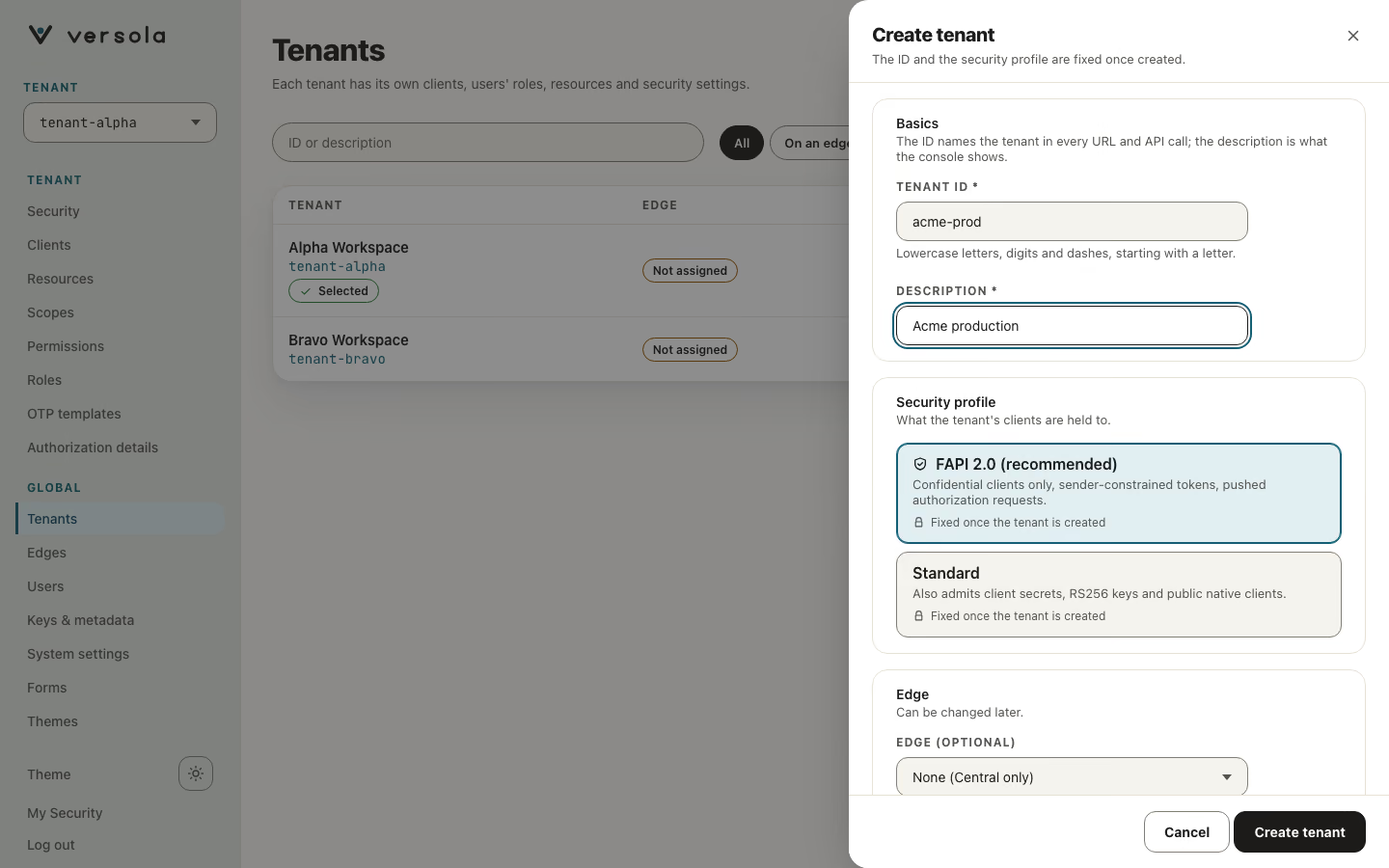
Security profile
The profile decides which clients the tenant admits and how strictly auth treats their requests. The console explains each choice under the field:
| Option | Help text in the console | What it admits at the client level |
|---|---|---|
| FAPI 2.0 (recommended) | Confidential clients only, sender-constrained tokens, PAR. Fixed once the tenant is created. | Clients that authenticate with a key or a certificate. No client secrets, no public clients, no RS256 signing keys. |
| Standard | Also admits client secrets, RS256 keys and public native clients. Fixed once the tenant is created. | Everything above, plus client secrets, RS256 signing keys and public native clients. Discouraged: kept only for compatibility with clients that cannot meet FAPI 2.0. |
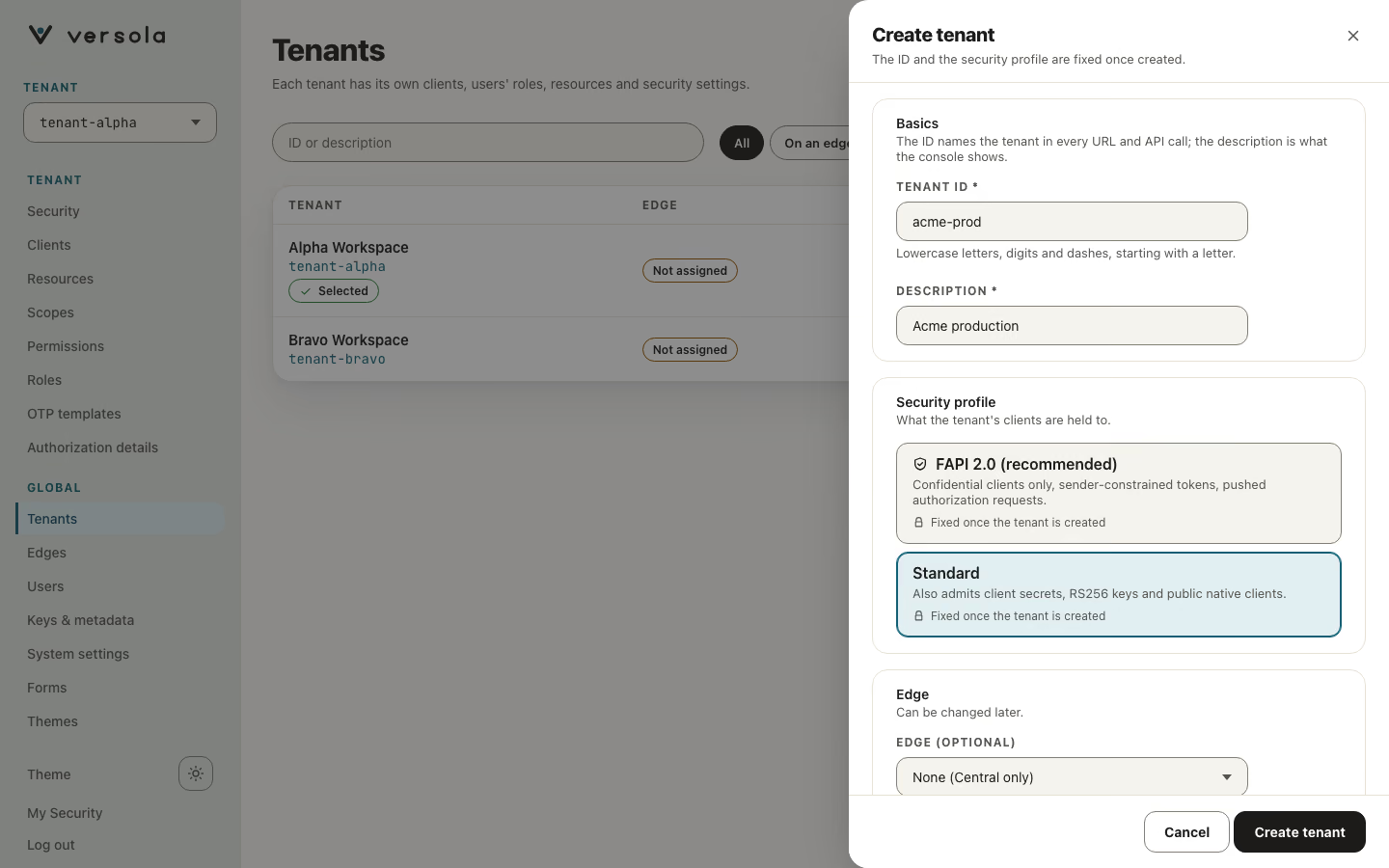
The profile cannot be changed after the tenant exists: the Security profile field is not shown when you edit a tenant, and the Central API refuses a different value. To move a tenant’s clients to another profile, create a new tenant and register the clients again.
The profile shapes the client creation wizard. On a Standard tenant the plan panel adds a note that this tenant is not FAPI 2.0, and a service app can use a client secret. On a FAPI 2.0 tenant a service app chooses between a key and a certificate. A client page shows whether the client meets FAPI 2.0 whatever profile its tenant uses. See Security profiles for the full list of rules and Client for the client side.
What the tenant list shows
The Tenants table has the columns Tenant, Edge and Security profile; the profile is a FAPI 2.0 or Standard chip. Selecting a row opens a side panel with the description, the edge, and a Security settings card that shows the tenant’s Signing key: the kid of the key that signs its tokens, or Default key when none is selected (auth then signs with its own configured private key), with an Open security settings button that goes to Security. The Fixed group of the panel shows the tenant ID and the security profile. To change the signing key, see Keys & metadata.
Edge
The Edge (Optional) list offers the edge deployments registered in the console. Leave it at None (Central only) if you manage configuration without a running edge. Web apps and mobile or desktop apps are fronted by edge; see Client.
Two tenants can each register a client called web-app with no conflict: client IDs, resource IDs, scope IDs, permission IDs and role IDs are unique only within a tenant.
Users are the one exception: they are not tenant-scoped. A person has a single identity across the whole platform; what changes per tenant is which roles that identity holds there. See User.